What’s new in AViCAD 2027?
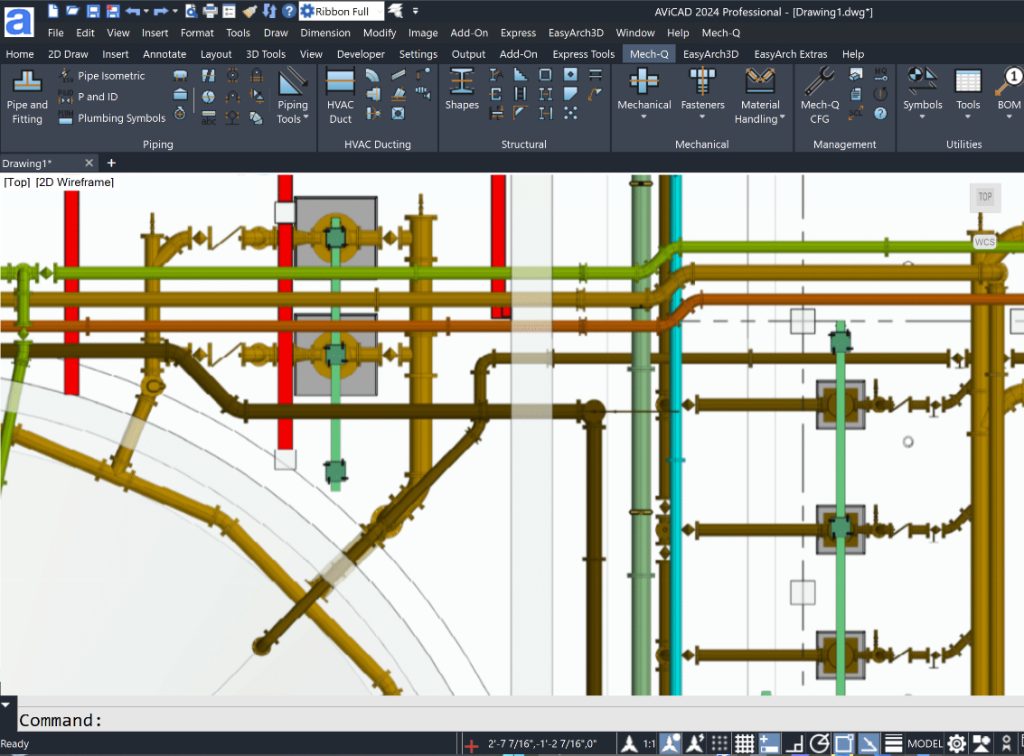
 AViCAD 2027 is now available. Explore new features including faster performance, drawing comparison tools, enhanced GIS capabilities, improved Visual LISP support, and more. See what's new in AViCAD 2027.
Upgrade to AViCAD 2027
AViCAD 2027 delivers faster performance, enhanced compatibility, and hundreds of improvements across the software.
Sale Prices Below
Expires Oct 12, 2026
Click on your current version below:
All upgrades include the Plus version, containing PDF to DWG, Solidworks import-export, 3D PDF Creator, Easyarch, Icadlibrary, and the Mech-Q Suite.
What is Flex Licensing?
What does Flex Licensing do?
Flex Licensing allows a single AViCAD perpetual license to be shared between multiple computers or users, with only one active use at a time.
Can I install AViCAD on multiple computers?
Yes. Install AViCAD on multiple computers and transfer the license between them as needed.
Can more than one person use the license at the same time?
No. Flex Licensing permits one active user at a time.
Can I move the license between my office and home computer?
Yes. Flex Licensing is ideal for users who work from multiple locations or use more than one computer.
Can I transfer the license to another user?
Yes. The active license can be released and transferred to another user or computer when needed.
Do I need a network license server?
No. Flex Licensing is cloud-based and does not require a server, VPN, or license manager.
Is Flex Licensing a subscription?
No. Flex Licensing is a one-time add-on available with AViCAD perpetual licenses.
Who is Flex Licensing best for?
Individual users who work from multiple computers, consultants, remote workers, and small teams that occasionally share a license.