Skip to main content
Skip to footer
Opens in a new tab
Products
AViCAD with Mech-Q
What’s New in AViCAD 2027
Mech-Q CAD Add-On
Mech-Q Modules
Piping Software
Structural Software
Ducting Software
Mechanical Software
Mech-Q Network Bundle
Plate ‘n’ Sheet
Product FAQ
Upgrades
Upgrade AViCAD
Upgrade Mech-Q
Training
AViCAD Basics
Mech-Q Training
CAD Learning Hub
All Learning Videos
About
About Us
News & Tips
Choosing CAD Software
AViCAD Tour
Mech-Q Tour
Contact
Pricing
Products
AViCAD with Mech-Q
What’s New in AViCAD 2027
Mech-Q CAD Add-On
Mech-Q Modules
Piping Software
Structural Software
Ducting Software
Mechanical Software
Mech-Q Network Bundle
Plate ‘n’ Sheet
Product FAQ
Upgrades
Upgrade AViCAD
Upgrade Mech-Q
Training
AViCAD Basics
Mech-Q Training
CAD Learning Hub
All Learning Videos
About
About Us
News & Tips
Choosing CAD Software
AViCAD Tour
Mech-Q Tour
Contact
Pricing
Free trial
3D Piping – Startup
CAD Tips
You may also like
7:57
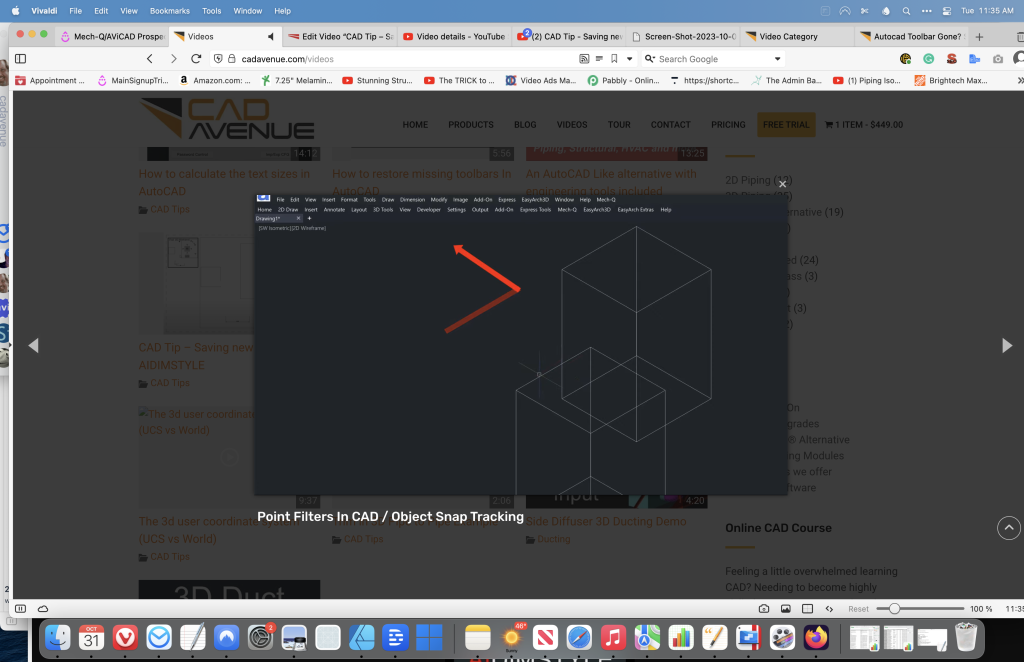
Point Filters In CAD / Object Snap Tracking
CAD Tips
10:27
How To Backup Your CAD Drawings
CAD Tips
9:37
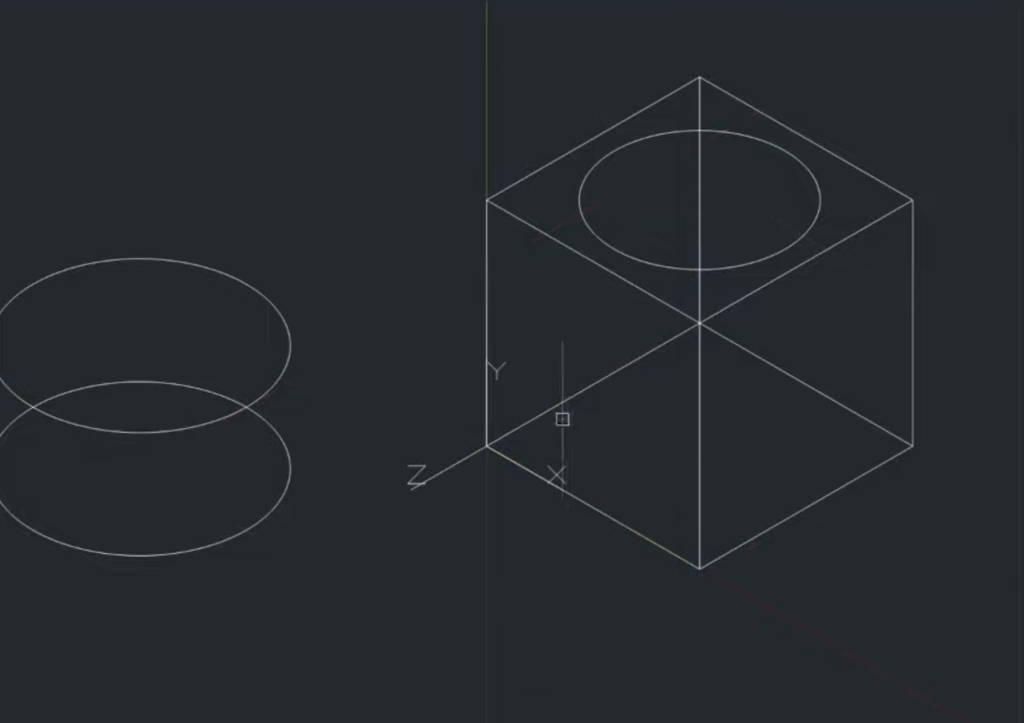
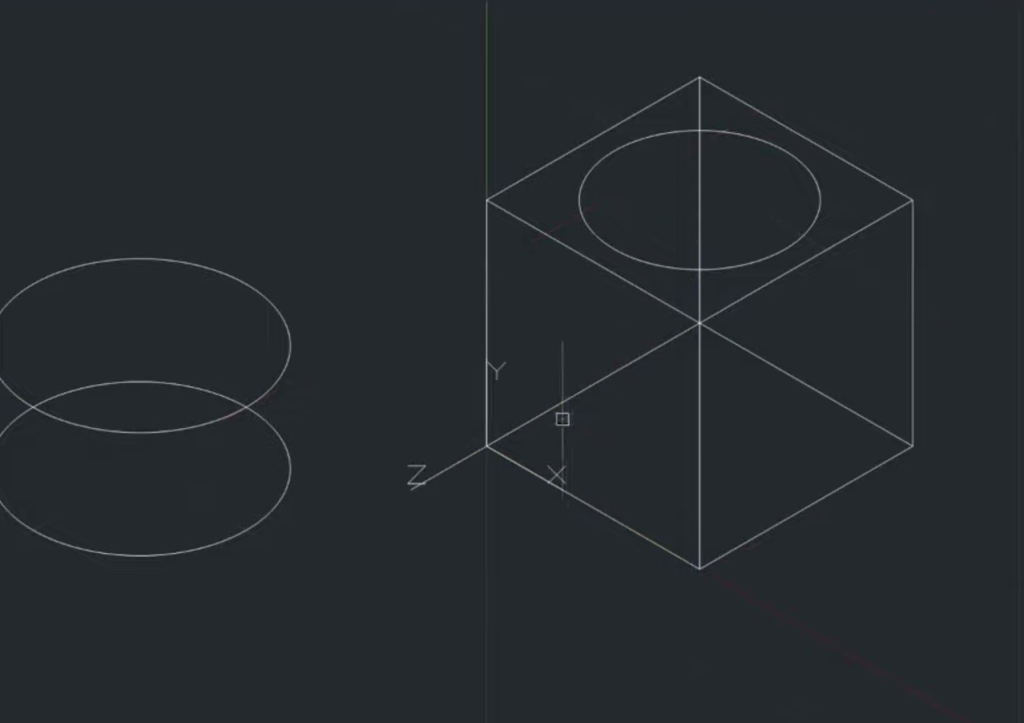
The 3d user coordinate system (UCS vs World)
CAD Tips
2:06
Trim in 3D Pipe to Pipe Example
CAD Tips
4:20
Side Diffuser 3D Ducting Demo
Ducting
4:27
Drawing 3D Ducting – Color Overrides
Ducting
11:30
Iso pipe ACAD dimensions. text and bubbles
ISO 3 Part Class
13:33
Iso Piping Input using AutoCAD alternative
ISO 3 Part Class
15:09
Isometric pipe sketch in ACAD (using ISO grids)
ISO 3 Part Class
4:06
Offsetting Pipe In CAD
3D Piping
«
1
2
3
4
5
6
…
21
»
Page 4 of 21