Skip to main content
Skip to footer
Opens in a new tab
Products
AViCAD with Mech-Q
What’s New in AViCAD 2027
Mech-Q CAD Add-On
Mech-Q Modules
Piping Software
Structural Software
Ducting Software
Mechanical Software
Mech-Q Network Bundle
Plate ‘n’ Sheet
Product FAQ
Upgrades
Upgrade AViCAD
Upgrade Mech-Q
Training
AViCAD Basics
Mech-Q Training
CAD Learning Hub
All Learning Videos
About
About Us
News & Tips
Choosing CAD Software
AViCAD Tour
Mech-Q Tour
Contact
Pricing
Products
AViCAD with Mech-Q
What’s New in AViCAD 2027
Mech-Q CAD Add-On
Mech-Q Modules
Piping Software
Structural Software
Ducting Software
Mechanical Software
Mech-Q Network Bundle
Plate ‘n’ Sheet
Product FAQ
Upgrades
Upgrade AViCAD
Upgrade Mech-Q
Training
AViCAD Basics
Mech-Q Training
CAD Learning Hub
All Learning Videos
About
About Us
News & Tips
Choosing CAD Software
AViCAD Tour
Mech-Q Tour
Contact
Pricing
Free trial
3D Piping – Startup
CAD Tips
You may also like
00:05:44
AutoCAD DIMSCALE Explained — Fix Out-of-Scale Dimensions Fast
Scaling 5 Part Class
00:07:45
AutoCAD Text Size Explained: Model Space vs Paper Space Scaling
Scaling 5 Part Class
00:03:11
AutoCAD Viewports Explained: How to Scale Viewports in Paper Space (Model Space vs Paper Space)
Scaling 5 Part Class
00:03:33
AutoCAD Units Explained: What Units Do (and Don’t Do)
Scaling 5 Part Class
00:12:06
How To Make a Section Arrow in CAD Super Fast!
CAD Tips
00:10:54
Quick AutoCAD 3D Surface Modeling How To Tutorial
CAD Tips
00:10:53
How To Create Line Types In CAD Super Quick!
CAD Tips
00:04:08
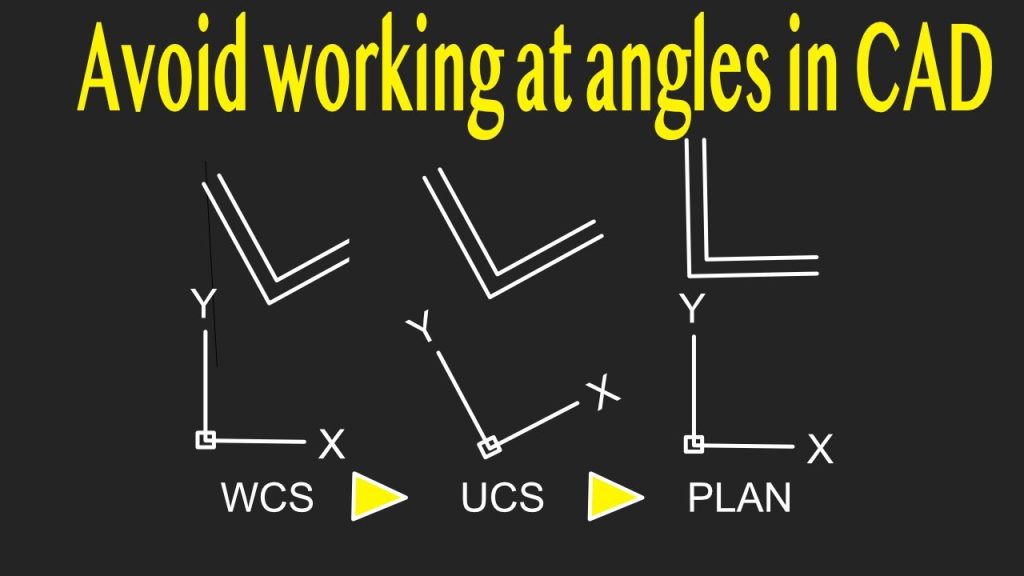
Quick AutoCAD Trick To Fix Rotated Drawings
CAD Tips
00:10:56
AutoCAD Command Line Magic – Draw 5x Faster With These Tips
CAD Tips
00:07:32
The right hand rule in CAD makes 3D simple to undertand
CAD Tips
«
1
2
3
4
…
21
»
Page 2 of 21