Skip to main content
Skip to footer
Opens in a new tab
Products
AViCAD with Mech-Q
What’s New in AViCAD 2027
Mech-Q CAD Add-On
Mech-Q Modules
Piping Software
Structural Software
Ducting Software
Mechanical Software
Mech-Q Network Bundle
Plate ‘n’ Sheet
Product FAQ
Upgrades
Upgrade AViCAD
Upgrade Mech-Q
Training
AViCAD Basics
Mech-Q Training
CAD Learning Hub
All Learning Videos
About
About Us
News & Tips
Choosing CAD Software
AViCAD Tour
Mech-Q Tour
Contact
Pricing
Products
AViCAD with Mech-Q
What’s New in AViCAD 2027
Mech-Q CAD Add-On
Mech-Q Modules
Piping Software
Structural Software
Ducting Software
Mechanical Software
Mech-Q Network Bundle
Plate ‘n’ Sheet
Product FAQ
Upgrades
Upgrade AViCAD
Upgrade Mech-Q
Training
AViCAD Basics
Mech-Q Training
CAD Learning Hub
All Learning Videos
About
About Us
News & Tips
Choosing CAD Software
AViCAD Tour
Mech-Q Tour
Contact
Pricing
Free trial
Layers in AViCAD
How to easily turn off and on layers and more in both AViCAD and AutoCAD too.
CAD Tips
You may also like
00:10:30
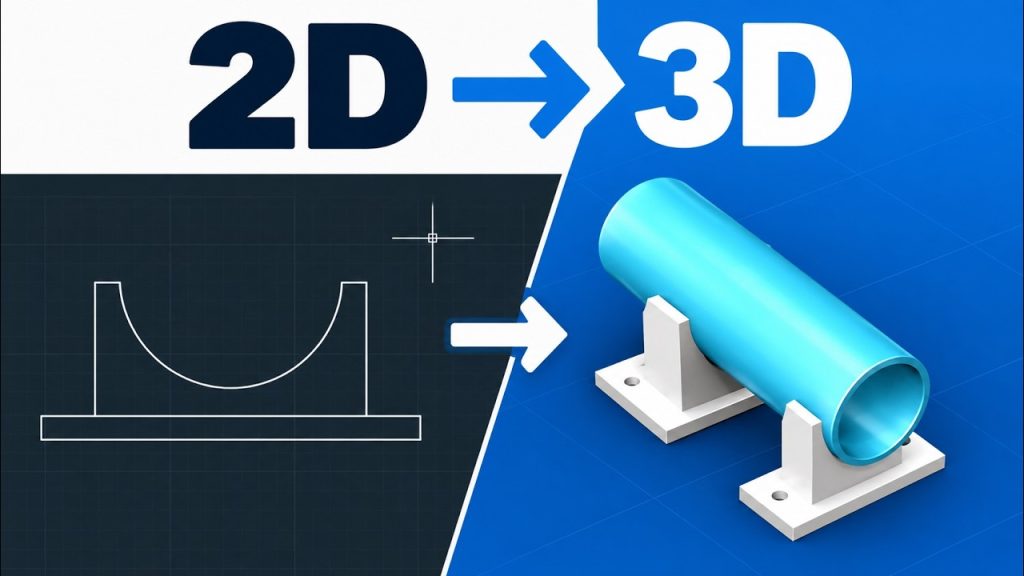
AutoCAD 3D for Beginners | Turn a 2D Drawing into a 3D Model
CAD Tips
00:12:06
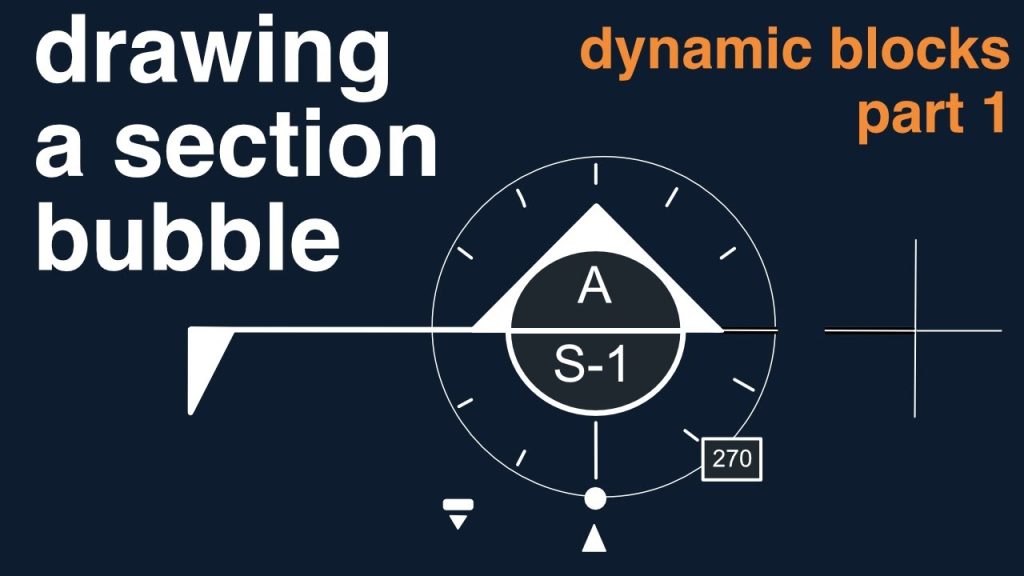
How To Make a Section Arrow in CAD Super Fast!
CAD Tips
00:12:19
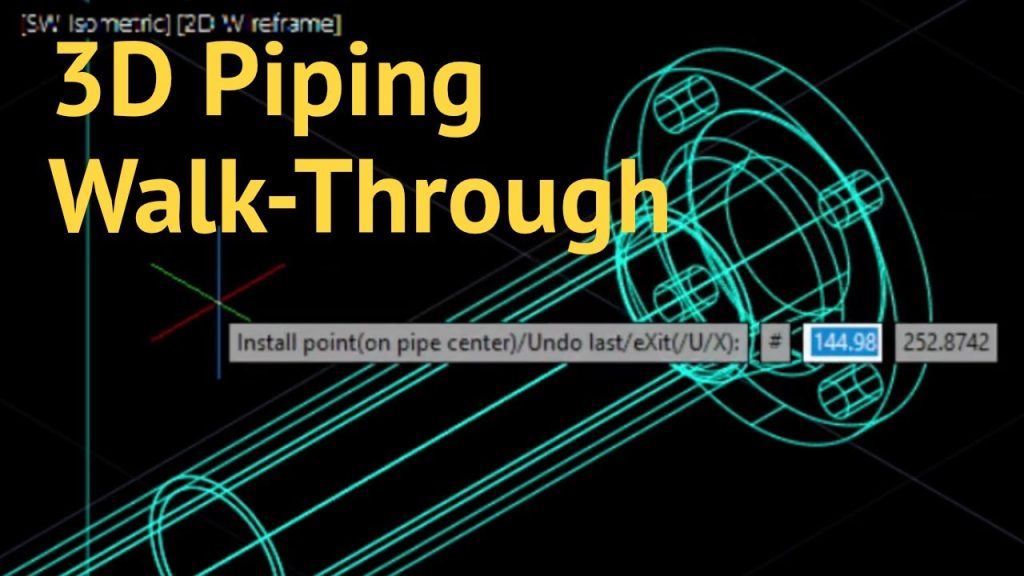
3D Piping – Startup
CAD Tips
00:10:54
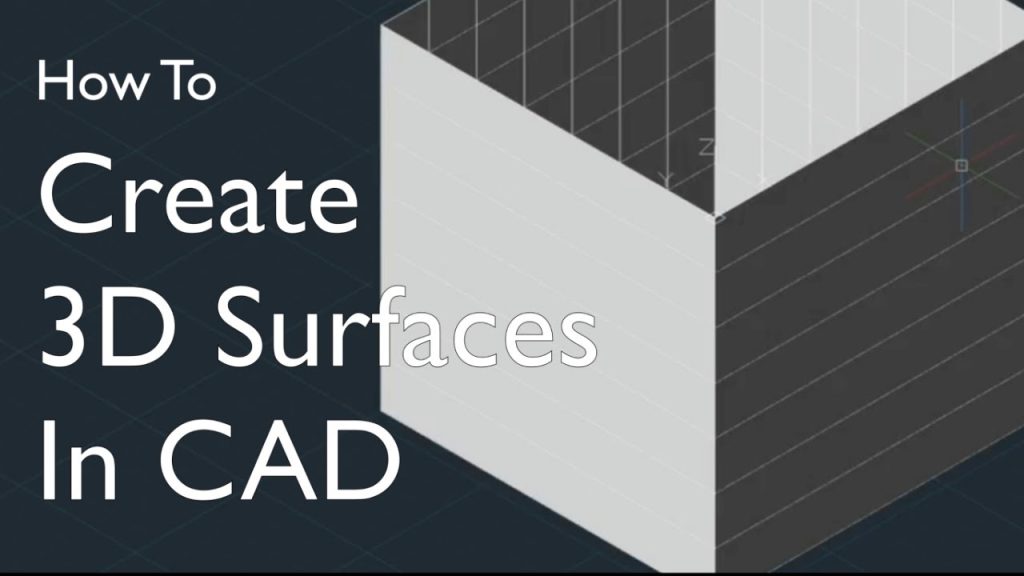
Quick AutoCAD 3D Surface Modeling How To Tutorial
CAD Tips
00:10:53
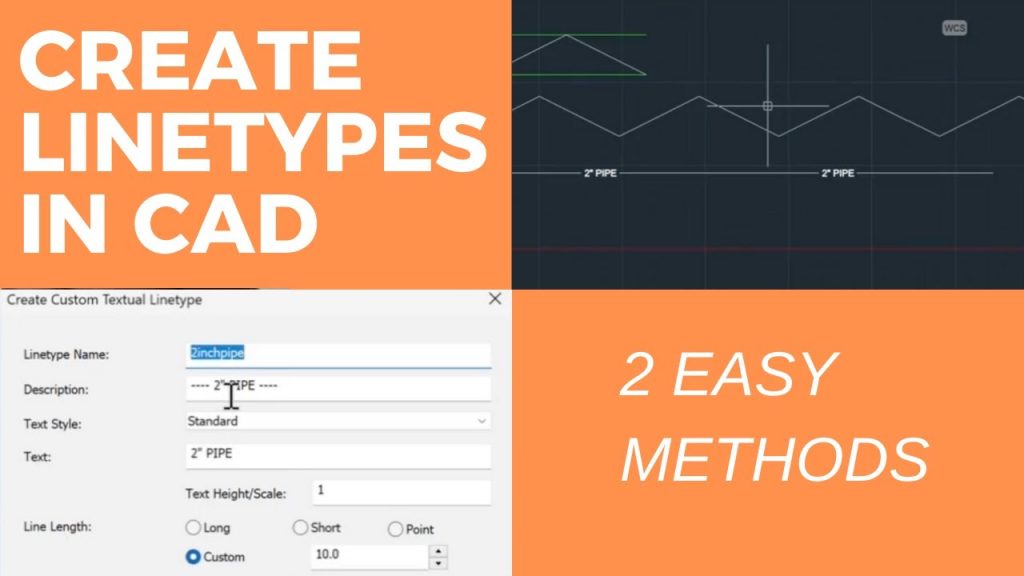
How To Create Line Types In CAD Super Quick!
CAD Tips
00:04:08
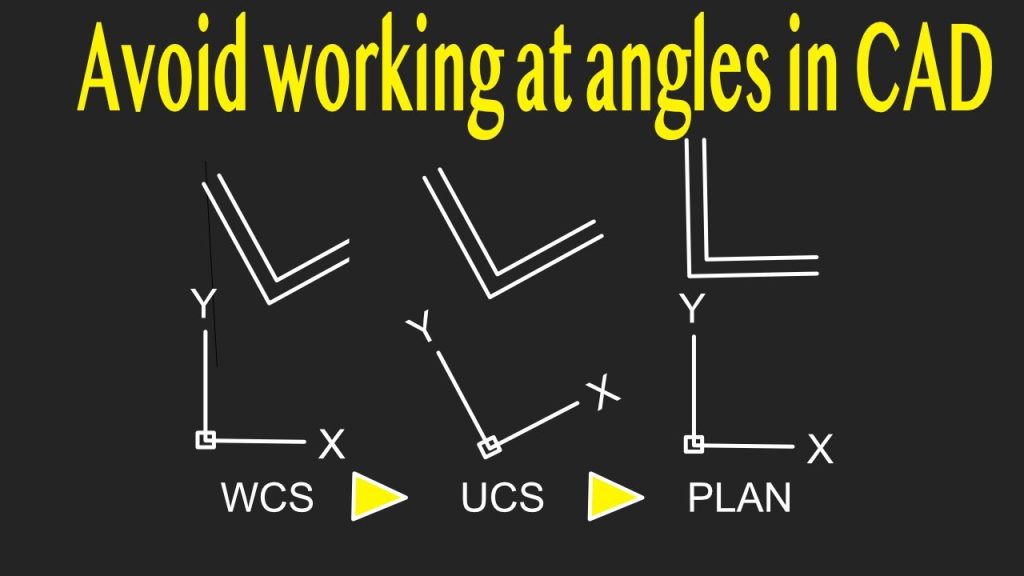
Quick AutoCAD Trick To Fix Rotated Drawings
CAD Tips
00:10:56
AutoCAD Command Line Magic – Draw 5x Faster With These Tips
CAD Tips
00:07:32
The right hand rule in CAD makes 3D simple to undertand
CAD Tips
24:46
Best Way to Start 3D Modeling in AutoCAD
CAD Tips
00:07:48
No Stress, 7-minute AutoCAD BOM, See how
CAD Tips
1
2
3
…
6
»
Page 1 of 6