
CAD Learning Hub · 4 video lessons
Piping Isometric Drawing
Build a complete piping isometric, step by step. Draw the iso, add a bill of materials with numbered callouts, link the BOM to Excel, then finish with a weld map – weld bubbles and a weld schedule. Follow along in AViCAD or AutoCAD.
The lessons
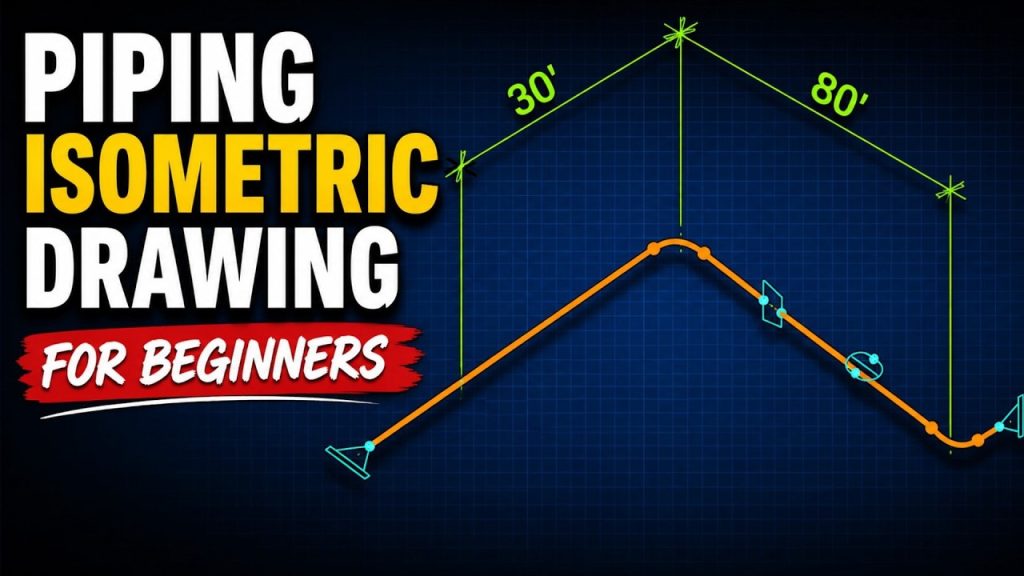
Lesson
Piping Isometric Drawing for Beginners | Step-by-Step CAD Tutorial
Video · 00:16:18
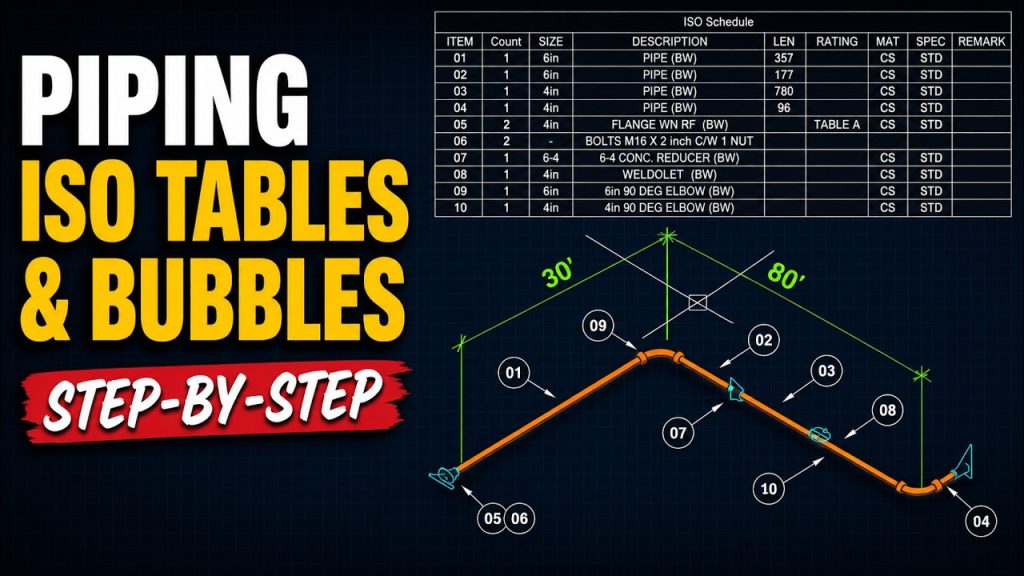
Lesson
Piping Isometric Drawing | Create BOM Tables & Numbered Callouts
Video · 00:08:49

Lesson
AutoCAD Excel Data Link Table | Link Excel to Your DWG
Video · 00:12:53
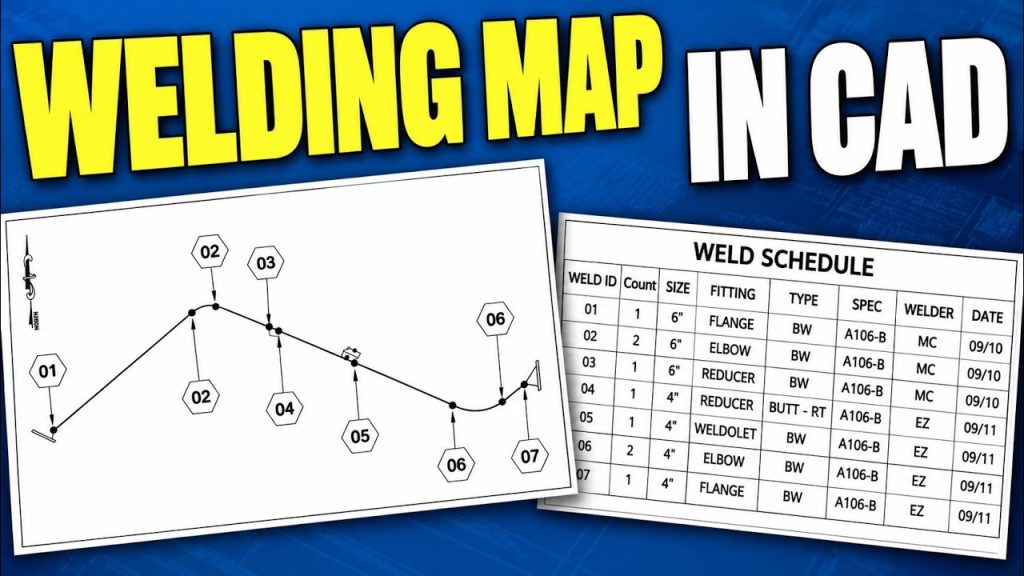
Lesson
Create a Welding Map in AutoCAD – Weld Bubbles & Schedules
Video · 00:19:57