Skip to main content
Skip to footer
Opens in a new tab
Products
AViCAD with Mech-Q
What’s New in AViCAD 2027
Mech-Q CAD Add-On
Mech-Q Modules
Piping Software
Structural Software
Ducting Software
Mechanical Software
Mech-Q Network Bundle
Plate ‘n’ Sheet
Product FAQ
Upgrades
Upgrade AViCAD
Upgrade Mech-Q
Training
AViCAD Basics
Mech-Q Training
CAD Learning Hub
All Learning Videos
About
About Us
News & Tips
Choosing CAD Software
AViCAD Tour
Mech-Q Tour
Contact
Pricing
Products
AViCAD with Mech-Q
What’s New in AViCAD 2027
Mech-Q CAD Add-On
Mech-Q Modules
Piping Software
Structural Software
Ducting Software
Mechanical Software
Mech-Q Network Bundle
Plate ‘n’ Sheet
Product FAQ
Upgrades
Upgrade AViCAD
Upgrade Mech-Q
Training
AViCAD Basics
Mech-Q Training
CAD Learning Hub
All Learning Videos
About
About Us
News & Tips
Choosing CAD Software
AViCAD Tour
Mech-Q Tour
Contact
Pricing
Free trial
3D Piping – Startup
CAD Tips
You may also like
7:41
How to draw a 2D ducting flange in 2D
Ducting
7:41
How to draw a 2D ducting flange in 2D
Ducting
9:10
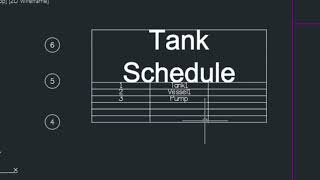
How to bubble and annotate your CAD drawing
CAD Tips
3:59
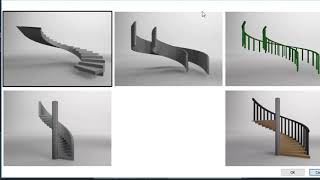
Drawing 3D Wood Stairs in CAD
CAD Tips
4:45
Comparing AutoCAD clones like AViCAD
AutoCAD Alternative
3:10
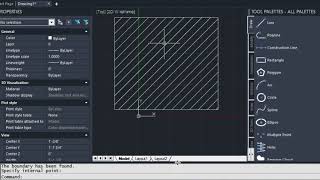
How to Hatch in CAD
CAD Tips
7:07
How to create a 3D Steel Tube With Straight AutoCAD commands
CAD Tips
9:48
How to create a PID Symbol (save to palette)
2D Piping
9:48
Mech Q Import Export Settings Quick Start!
Getting Started
19:53
How to design/draw a small bathroom layout using CAD in 20 minutes
CAD Tips
«
1
…
5
6
7
8
9
…
21
»
Page 7 of 21