
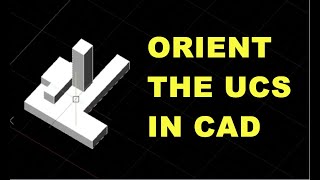
The right hand rule in CAD makes 3D simple to undertand
Wanted to share a simple but powerful trick in AutoCAD that can really change how you work in 3D. Using the UCS (User Coordinate System) command and selecting the 3Point option, you can reorient the default World Coordinate System (WCS) to a UCS that works better for what you’re drawing. This lets you control how…
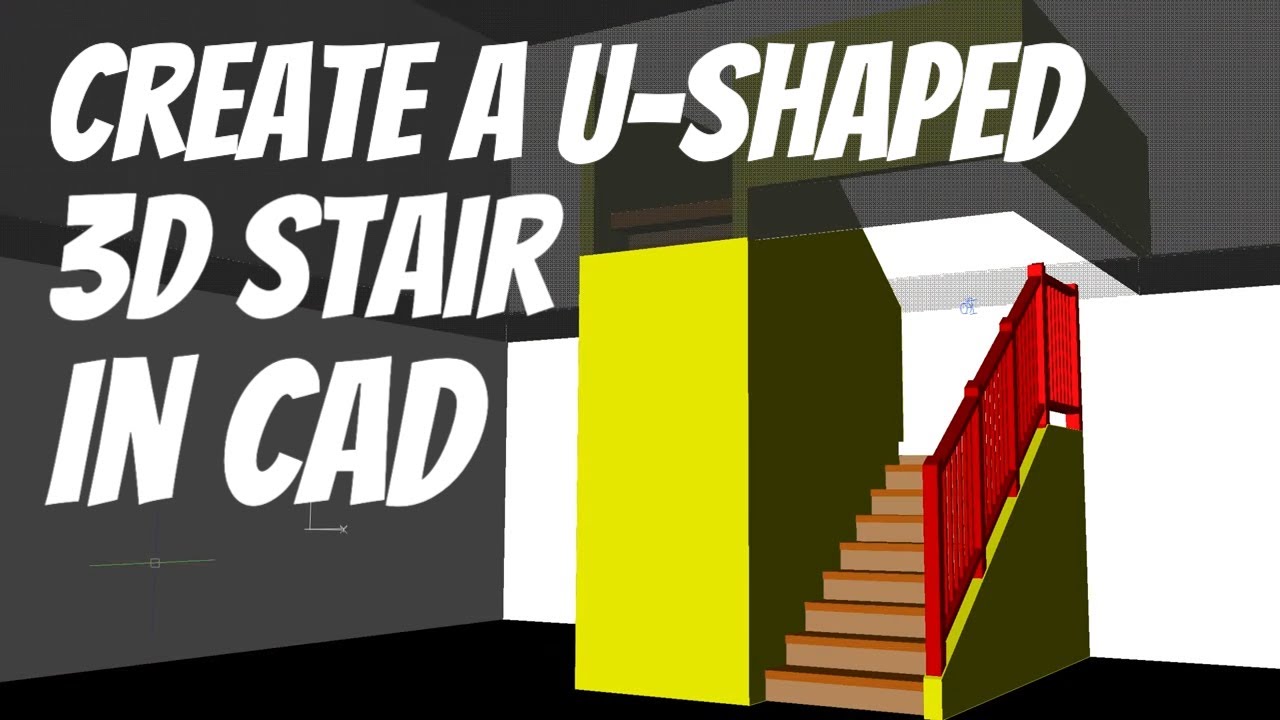
Best Way to Start 3D Modeling in AutoCAD
For a practical demonstration, check out my stair-building video above. I’ll walk through the process of building walls and stairs in AutoCAD using extrusion and basic 3D techniques. Why a Good 2D Foundation is Essential When learning 3D modeling in AutoCAD, starting with a solid understanding of 2D fundamentals is crucial. Mastering 2D is the…
How to create a isometric piping drawing
Mastering ISO Piping with Mech-Q: A Step-by-Step Guide Welcome to today’s demonstration of how to draw ISO piping inside Mech-Q at CADAvenue! Mech-Q is a powerful suite of engineering tools designed to streamline your CAD projects. For those seeking more flexibility, we also offer a standalone version of Mech-Q called AViCAD. For additional details, visit…

No Stress, 7-minute AutoCAD BOM, See how
The data extract command in AutoCAD (and AViCAD as well) makes it possible to create a BOM table from block attributes in your drawing using the DATAEXTRACTION command, With this step-by-step tutorial, we’ll learn how to add and edit a bill of materials in CAD software. Understanding how to manage a bill of materials is…
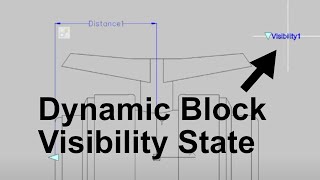
Dynamic Block Visibility States In CAD
In this demonstration, we explore the concept of dynamic blocks in AViCAD and AutoCAD. Since AViCAD has features you’ll find in AutoCAD, those users can also follow along. We will learn to create dynamic blocks and use various functionalities such as grips, scaling, and toggling visibility between different views. The goal is to understand how…

Understanding how to recover from an AutoCAD crash
Intro to AutoCAD Autosave and .BAK Files for Effective File Recovery “There are two types of people: those who have lost data, and those who will.” This saying serves as a reminder of the inevitability of data loss and the necessity of knowing what to do after a crash. AutoCAD’s autosave and backup features are…
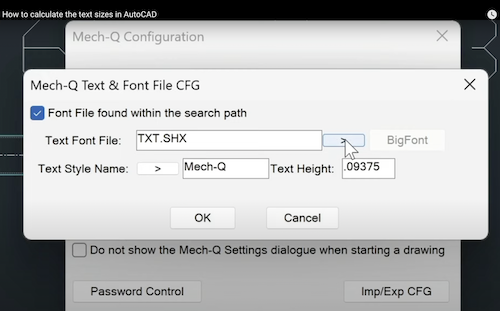
How to calculate the text sizes in AutoCAD
part 1 of the video (what you need to know – general cad) An intro to understanding how scaling works in CAD and how to calculate the text size autocad Scale Calculator at: cadavenue.com/dwgscale part 2 Mech-Q Font Settings part 3 Backup Mech-Q settings In this video, I explain how to change the default text…
How to restore missing toolbars In AutoCAD
How to restore missing toolbars In AutoCAD: If you are an AutoCAD user and need to fix your missing toolbars, ribbons, or top menu pulldowns, don’t worry. You can fix the problem and get your toolbar, menubar, or ribbon back in a few ways. Here are the steps to figure out what’s missing: 1. Check…

AutoCAD alternative with engineering tools included
A Cost-Effective AutoCAD Alternative with Engineering Tools Are you looking for a cost-effective alternative to AutoCAD? AViCAD offers all the essential CAD features at a significantly lower price, as well as extra engineering tools like Mech-Q and AEC architectural tools, making it a comprehensive CAD program. The best part about AViCAD is its user-friendly interface…